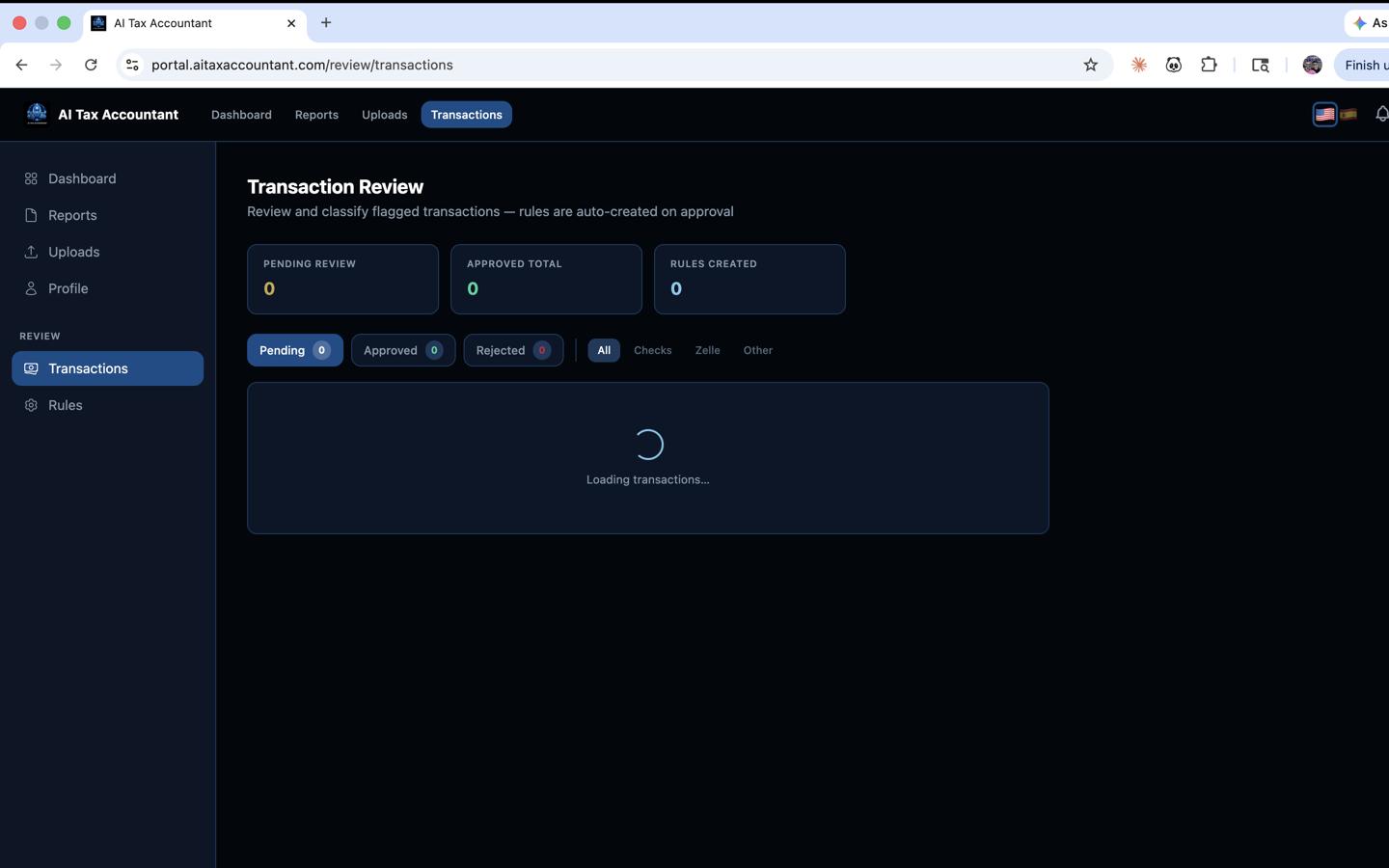
Before our AI can produce a GAAP P&L or surface Tax Alpha opportunities, it has to decide what each transaction in your bank, credit card, and check data actually is — rent? meals? owner draw? Cost of Goods Sold? The auto-classifier handles the vast majority of this automatically, but you have the final say. Reviewing classifications is the single highest-leverage thing you can do for report accuracy.
Where to find classified transactions
From the dashboard sidebar, open Transaction Review. You'll see tabs for Pending Review, Approved, and Rejected, with counters showing how many transactions fall into each. Each row shows the date, description, amount, and the GAAP account our AI assigned (for example, "6100 · Office Supplies" or "5000 · Cost of Goods Sold").
What to scan for
- Personal expenses classified as business — these should usually move to Owner Draws.
- Big purchases classified as Operating Expenses that might be Fixed Assets (a $4,000 laptop is typically equipment, not "office supplies").
- Recurring vendor charges with inconsistent classifications — the same vendor should usually map to the same account.
- Transfers between your own accounts classified as Revenue or Expense — these should be intercompany transfers, not income.
- Anything in a generic account like "9999 · Unclassified" — these need attention before the next report run.
How the AI learns
Every approval, rejection, or reclassification trains the system. When you correct a transaction and check "Remember this for future similar transactions," we save a keyword rule scoped to your firm so the same vendor or pattern is classified correctly on every future report — without you having to re-do the work.
You only need to audit transactions for accounts that materially affect your P&L. A misclassified $4 coffee won't move the needle; a misclassified $40,000 owner distribution will.