You can cancel any AI Tax Accountant subscription from inside the portal. Cancellations stop the next renewal but never interrupt access you have already paid for. This article covers the steps, the Advisory minimum-commitment rule, and what happens to your data.
How to cancel
- Sign in to portal.aitaxaccountant.com.
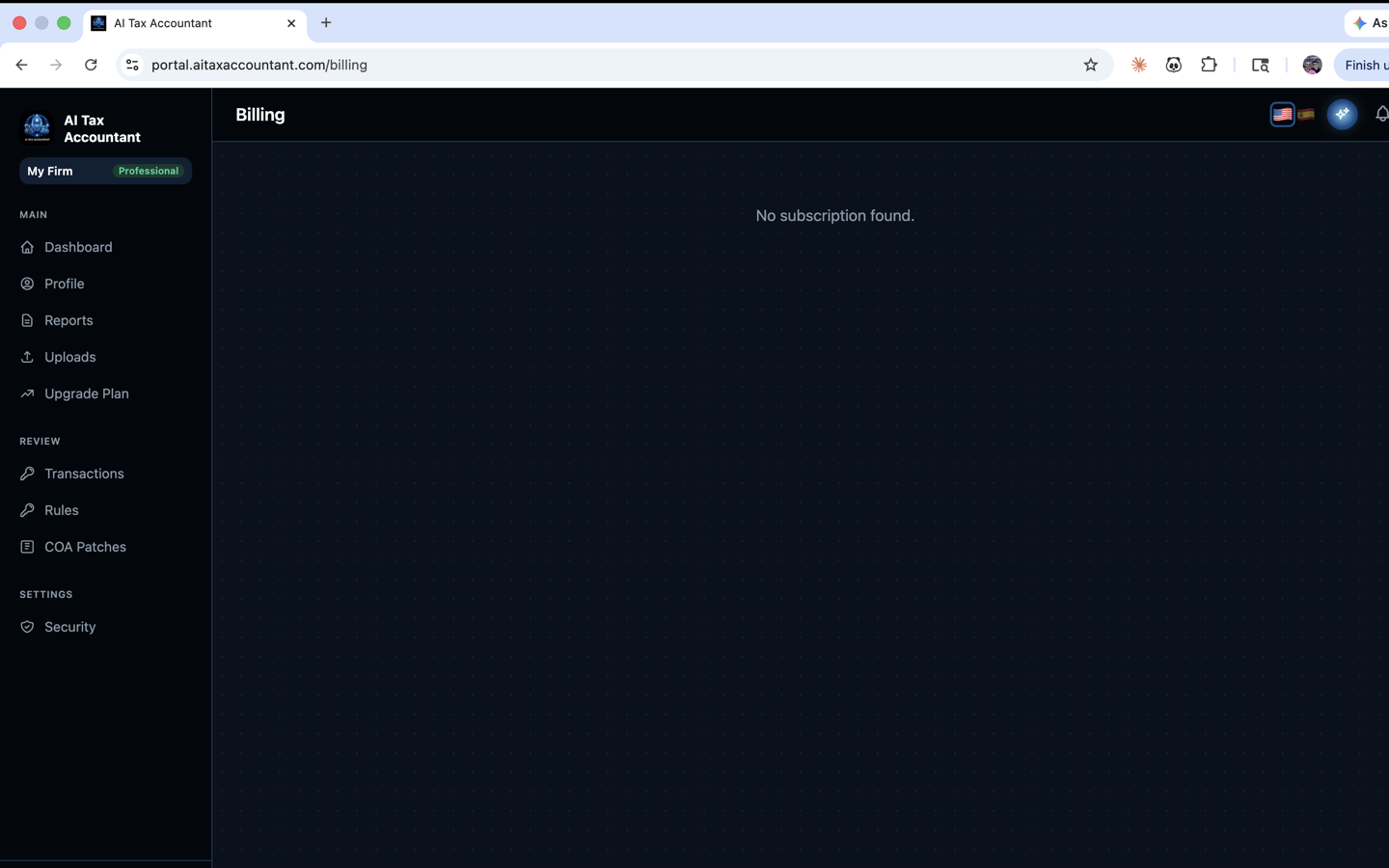
- Open the Billing page.
- Click Cancel Subscription.
- Select a reason from the survey (this helps us improve and never blocks the cancellation).
- Review any retention offer — you can accept it or click No thanks, cancel anyway.
- Click Confirm Cancellation to finish.
Once confirmed, you will see a "Subscription Canceled" screen and your billing page will show the date access ends. Your card will not be charged again.
Advisory — 3-month minimum commitment
The Advisory plan requires a minimum of three monthly billing cycles. This is disclosed on the Pricing page and on the Upgrade screen — you must check the box "I understand the 3-month minimum commitment" before checkout. If you start a cancellation before the third month bills, the portal will show the earliest date you can cancel, and you can come back on that date to complete it. This minimum exists because the Advisory AI suite builds intelligence about your business over the first three months — the deeper analysis depends on having that runway.
What happens after you cancel
- Your subscription stays active until the end of your current billing period. You keep full access during that time.
- After the period ends, your account moves to read-only mode — you can sign in, view past reports, download PDFs, and update your email and password.
- New uploads and new analysis runs require an active subscription, a Season Pass, or a First Report.
- You can reactivate at any time from the Upgrade page; reactivation restores full feature access immediately.
Your data
Your uploaded documents and generated reports remain in your account after cancellation so you can return to them later. If you want everything deleted, email support@aitaxaccountant.com from the email address on your account and we will remove your data on request.
Season Pass and First Report purchases are one-time charges — there is no recurring subscription to cancel. Unused Season Pass reports remain available for 12 months from purchase regardless of any subscription status.