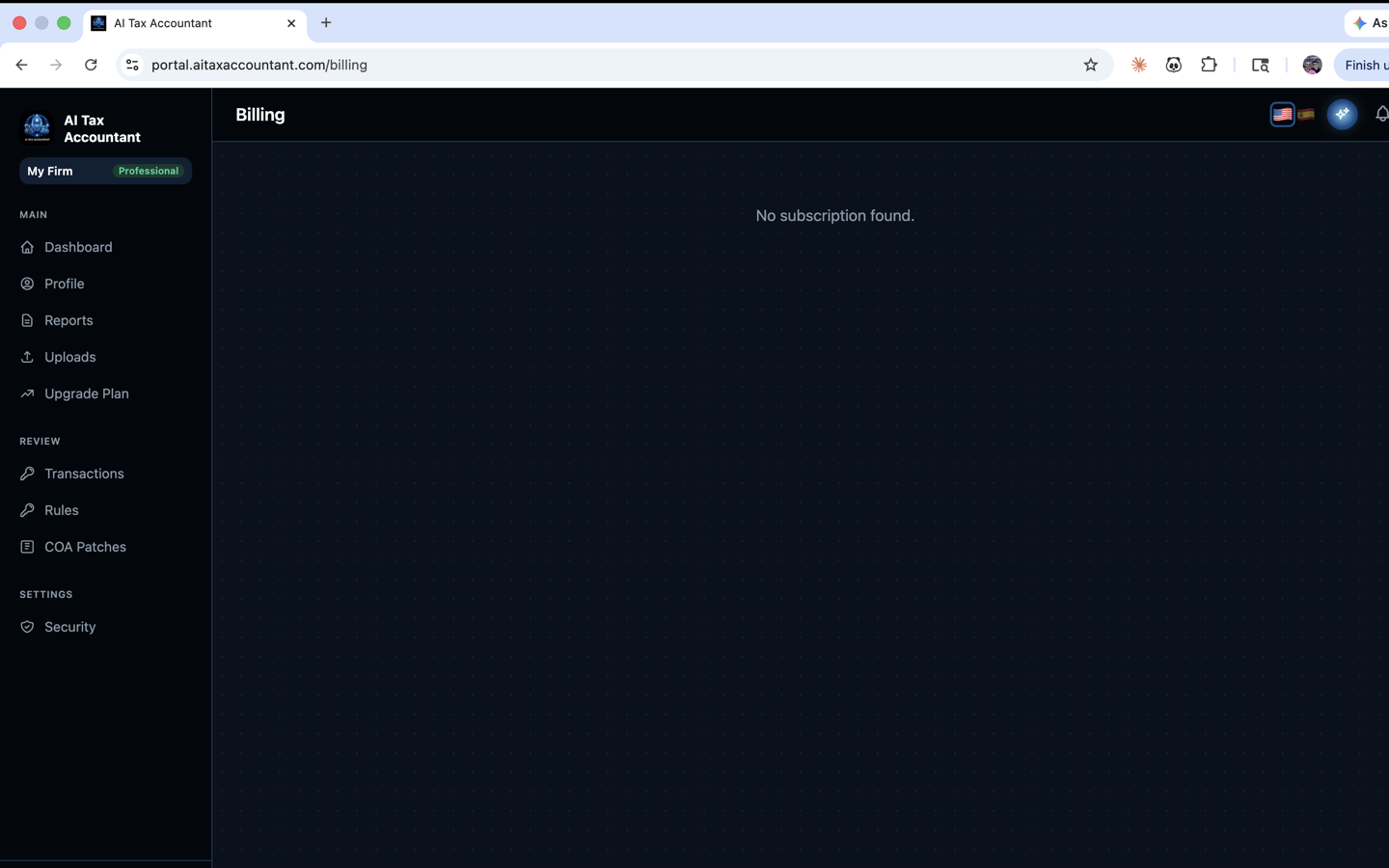
AI Tax Accountant uses Stripe for all billing. Every charge generates an invoice you can view, download, or forward to your accountant. This article shows where everything lives and how to update it.
Where to find invoices and receipts
- Email — Stripe emails a receipt to the address on your account every time a charge succeeds. The receipt includes a PDF invoice attached and a link to your Stripe customer portal.
- Portal — sign in to portal.aitaxaccountant.com and open the Billing page. Click Manage Billing to open the Stripe customer portal, where every past invoice is listed with a Download PDF button.
- Stripe customer portal — gives you a permanent record of all charges, the ability to download any invoice as a PDF, and a list of upcoming charges.
Change your payment method
- Open the Billing page in the portal.
- Click Manage Billing — this opens the Stripe customer portal.
- Under Payment Method, click Add payment method or Update.
- Enter your new card details and save.
- Optional — make the new card the default for future renewals.
Your next renewal will charge the default card. If a renewal fails, Stripe will retry several times over the following days and email you each time so you can update the card before access is paused.
Accepted payment methods
- Visa, Mastercard, American Express, and Discover credit and debit cards.
- Apple Pay and Google Pay where supported by your browser.
- Most US-issued cards are accepted; international cards are accepted but may be subject to your bank's foreign-transaction fees.
We do not currently accept ACH bank transfers, wire payments, checks, or cryptocurrency for self-serve subscriptions.
Set a separate billing email
If you want invoices to go to a different address than your login (for example, your bookkeeper or accountant), open the Stripe customer portal via Manage Billing, then update the Billing Email field. Stripe will send all future receipts and invoices to that address. The portal login email is unchanged.
Need a custom invoice?
For business filings that require a specific company name, tax ID, or address on the invoice, update the Billing Information section in the Stripe customer portal — Stripe will reissue your most recent invoice with the updated details. If you need a historical invoice corrected, email support@aitaxaccountant.com.