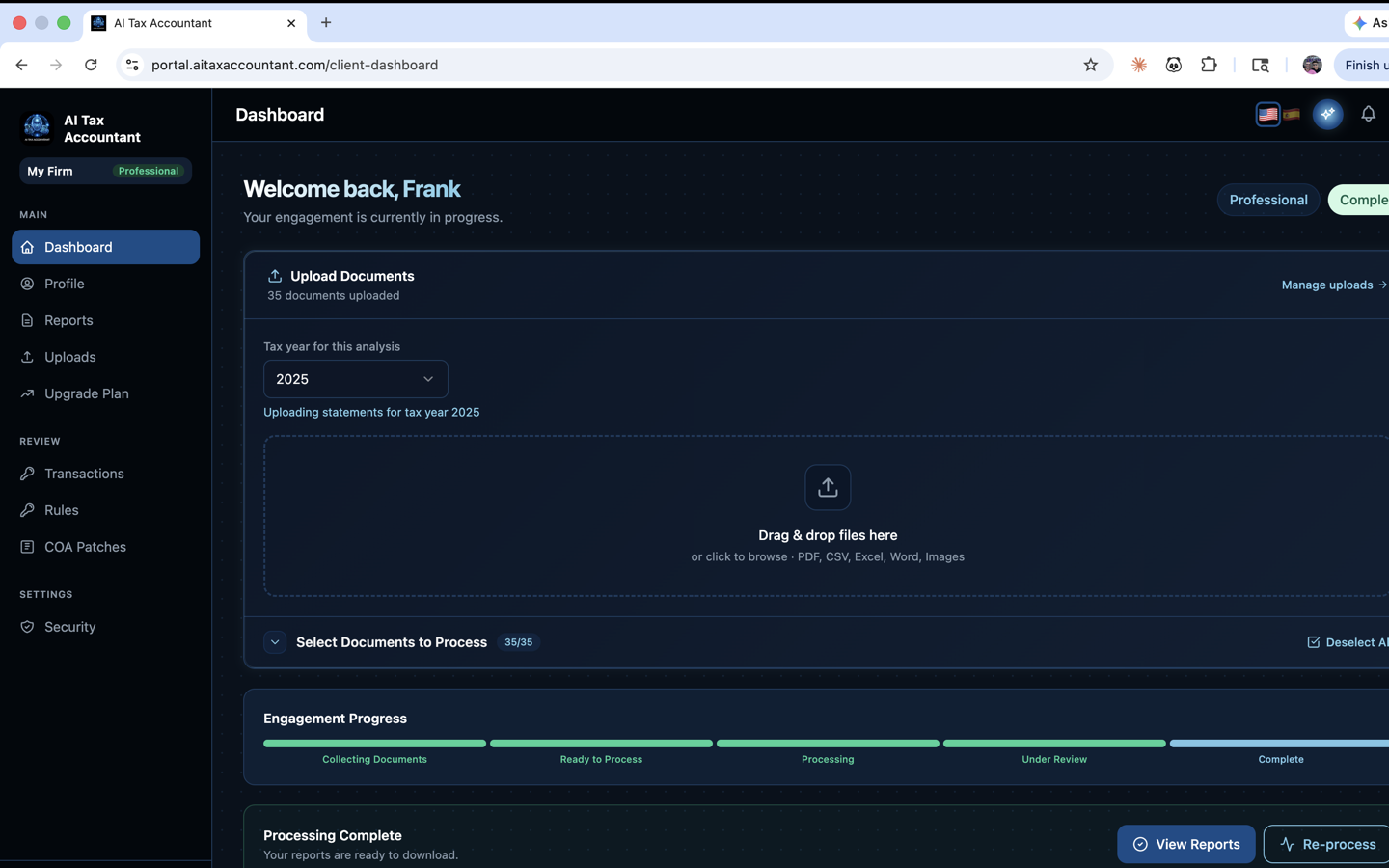
Once you finish uploading documents, AI Tax Accountant runs them through a multi-stage pipeline. This article explains each stage, how long the full process typically takes, and where to see live progress in the portal.
The Seven Pipeline Stages
- Document Validation — confirms each file is readable and contains financial data.
- Extraction — pulls every line item, account name, and transaction from your documents.
- GAAP Classification — maps the data to standard GAAP account categories.
- Financial Generation — produces your Profit & Loss, Balance Sheet, and Cash Flow statements.
- Tax Strategy — scans every transaction against the Internal Revenue Code for potential deductions.
- PDF Rendering — assembles your final deliverable reports.
- Complete — your dashboard updates and the reports become downloadable.
Typical Processing Time
A single QuickBooks P&L PDF usually processes in 2–5 minutes. A full engagement with twelve months of bank statements, credit card statements, and supporting documents typically completes in 10–20 minutes. Larger or scanned documents take longer.
Where to See Progress
- On the Engagements page, your engagement's Status badge updates as each stage completes: Collecting Docs → Ready to Process → Processing → Complete.
- Inside the engagement workspace, a live pipeline indicator shows which stage is currently running.
- You don't need to keep the browser open — processing runs server-side. You'll see the final status whenever you return.
If a stage fails, the engagement status changes to Review Needed or Failed and the error message explains what to do. Most failures are caused by password-protected or scanned files and resolve once you re-upload a clean version.
Once the status shows Complete, click into the engagement to view, download, or share your reports with your tax professional.