Most transactions on your bank statements come with a vendor name, MCC code, or recognizable description, so the AI can classify them with high confidence. Hand-written checks are different — the only signal is the payee name and amount, and our system is intentionally conservative about guessing what a check was for. When confidence is below threshold, the check is held for human classification instead of being silently assigned to the wrong account.
Where the banner appears
When you have unclassified checks, a blue banner appears on your dashboard: "You have N check transactions that need classification to improve your report accuracy," with a Classify Now button. The same count surfaces in the Transaction Review screen under "Checks Need Classification."
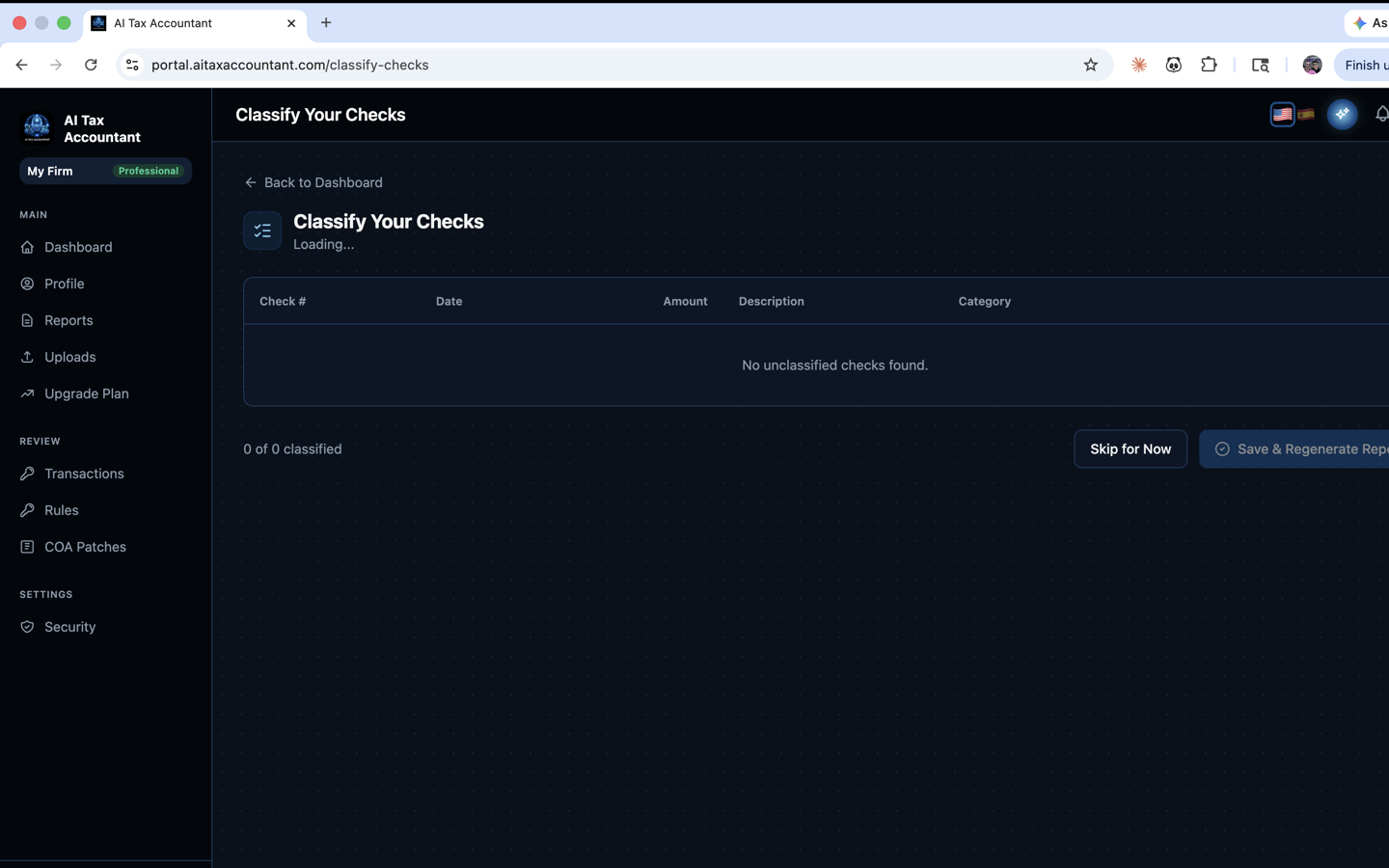
The Classify Your Checks screen
Clicking Classify Now opens a table of every check awaiting classification, with columns for Check #, Date, Amount, Description, and Payee. Each row has a dropdown of valid GAAP accounts. Checks are grouped by amount so identical or similar payments (rent, payroll, recurring vendor) can be classified in a tight cluster — much faster than going one by one.
How to work through them efficiently
- Start with the largest amounts — they move the report the most.
- Use the Payee column to spot patterns: every check to the same landlord goes to the same Rent account.
- Skip rows you genuinely don't know — better to leave one unclassified than to guess.
- Click Save when done. You'll see "Classified N checks. Your reports are being regenerated — this takes about 5 minutes."
Why this matters for the Tax Alpha number
Unclassified checks often represent some of the largest dollars in a small business — payroll, rent, owner draws. Until they're classified, those dollars sit in a generic bucket that doesn't feed the GAAP P&L or the Tax Alpha calculation cleanly. Resolving them is one of the fastest ways to sharpen the report and reveal opportunities that the AI couldn't evaluate without the data.
If you're unsure whether a check was for business or personal use, ask your bookkeeper or tax preparer rather than guessing — the resulting classification affects what shows up in your P&L and Balance Sheet.