If you own multiple entities — say, a real estate LLC and a consulting S-Corp — each entity files its own tax return and needs its own analysis. AI Tax Accountant uses Engagements to keep each entity's documents and reports cleanly separated.
One Engagement per Entity per Tax Year
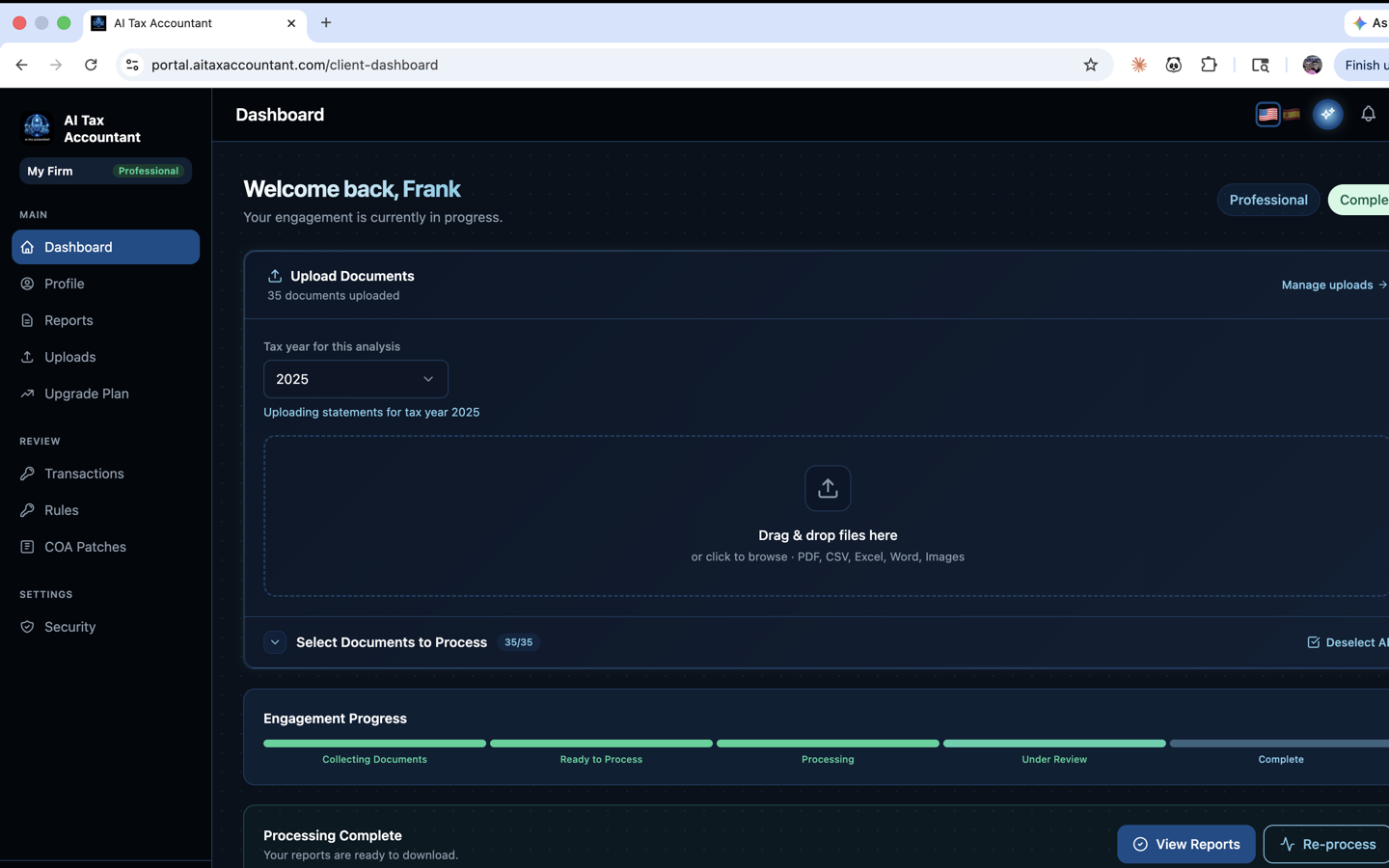
The rule is simple: one engagement covers one entity for one tax year. If you have two LLCs and want analyses for both for 2025, you create two separate engagements. Each engagement has its own document set, its own report, and its own status (Collecting Docs, Processing, Complete, etc.).
Creating a New Engagement
- Log in to the portal and open Engagements from the left navigation.
- Click New Engagement and select the tax year.
- A fresh upload workspace is created for that entity.
- You can switch between engagements anytime using the dropdown on the Upload Documents page.
When to Consolidate Into One Engagement
Only consolidate when the entities file a single combined tax return — for example, a parent LLC with disregarded single-member subsidiaries that all roll up onto Schedule C. If each entity files its own return, keep them in separate engagements.
Personal vs. Business
- Personal returns (Form 1040, Schedule A itemized deductions) belong in their own engagement.
- A solo proprietorship that files Schedule C is treated as a business engagement.
- Rental properties (Schedule E) can go in a dedicated engagement if you want a separate report per property type.
If you're unsure whether to split or consolidate, default to splitting. It's easier to combine reports later than to untangle mixed documents inside one engagement.