Your AI Tax Accountant account holds financial data that maps directly to your tax filings. Two-factor authentication (2FA), a strong password, and good session habits keep that data in your control. This article walks through each one.
Set up two-factor authentication (2FA)
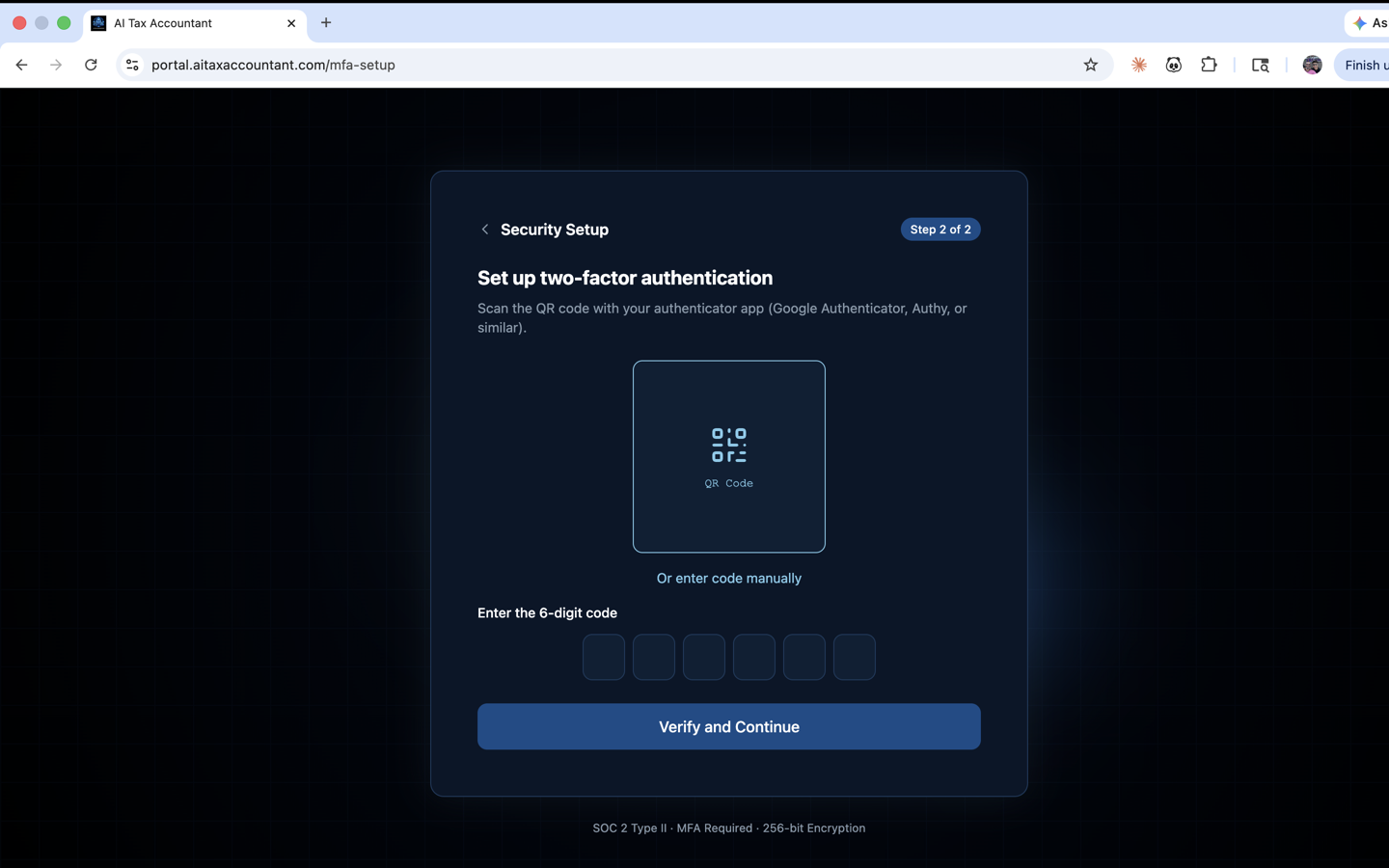
- After your first login, the portal opens the Set up two-factor authentication screen automatically.
- Install an authenticator app on your phone — Google Authenticator, Authy, or 1Password all work. Quick links to the App Store and Google Play are shown on the screen.
- Scan the QR code with your authenticator app. If you cannot scan, tap Show manual code and type the 32-character secret into the app instead.
- Enter the 6-digit code from your authenticator app into the boxes labeled Enter the code from your app.
- Click Verify & Continue. From now on, you will enter a fresh 6-digit code each time you sign in.
Password best practices
- Minimum length is 8 characters. The signup form shows a live strength meter — aim for the green "Strong" tier.
- Mix uppercase, lowercase, numbers, and at least one symbol. Twelve or more characters is recommended.
- Do not reuse a password from another site. The platform checks new passwords against known data-breach lists and will reject any that have been leaked.
- If you want a one-click strong password, click the Generate strong password link under the password field — it fills the field and copies the password to your clipboard.
- Forgot it later? Click Forgot password? on the login screen to receive a reset email.
Session management
- Your session stays active in the browser until you sign out. Use the Sign out link in the top-right menu when you are done.
- Sessions are bound to your device — signing in on a new device or browser requires a fresh password plus a fresh 2FA code.
- If you lose your phone or change devices, contact support to reset your 2FA factor before you can sign in again.
Save your authenticator app backup or recovery codes in a safe place. If you lose access to the app and have no backup, you will need to verify your identity with support before regaining account access.