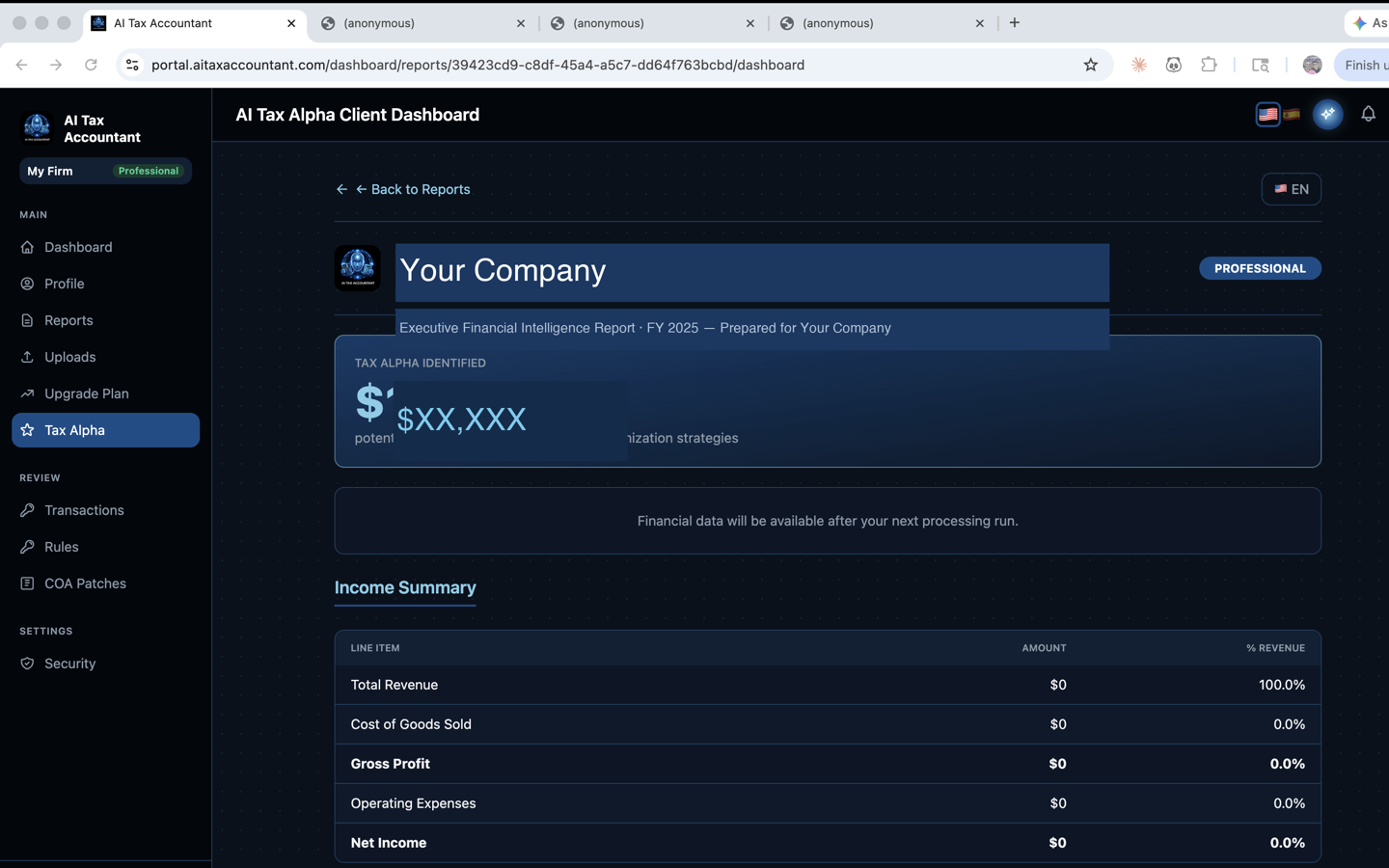
The Tax Alpha Executive Summary is the gold-accented card at the top of your Tax Alpha Dashboard. It summarizes the entire Tax Alpha report package into four headline tiles and one prominent "Estimated annual opportunity" figure — a quick way to see where your business stands before you scroll into the detailed sections.
The four headline tiles
- Tax Alpha — the total estimated annual dollar opportunity identified across all strategies, or "Pending" if your report is still generating.
- Reports — the number of report documents in your package (Tax Alpha Snapshot, Tax Intelligence Report, Tax Alpha Strategy, etc.).
- Languages — which language versions were generated (EN, ES, or both).
- Locked — how many reports are gated behind a higher plan tier. Locked reports show a preview but require an upgrade to view in full.
Estimated annual opportunity
The large gold figure under the tiles is the headline dollar amount — the sum of every strategy our AI identified that may apply to your business. This number is an estimate based on the financial data you uploaded. It is descriptive, not prescriptive: it shows what the report found, not what you should claim. Treat it as a starting point for a conversation with your tax professional.
Why your savings number can change
Each time you upload new documents, reclassify transactions, or classify previously unclassified checks, the report regenerates and the Executive Summary updates with it. Earlier numbers are not "wrong" — they reflected the data available at the time. Cleaner data produces a more accurate Tax Alpha figure.
This summary is informational and does not constitute tax advice. Discuss any strategy with your CPA before implementing it.